API Protection > Class - API Protection > Module 1 - Deploy an API Protection Profile Source |
Lab 1.7 - Onboard a New API
Organizations change. With this change, new APIs are introduced requiring modifications to the API Gateway. In this section you will learn how to add additional paths.
Task 1 - Verify no access to API
- From Postman, select the request PATCH-Change User Password-JWT
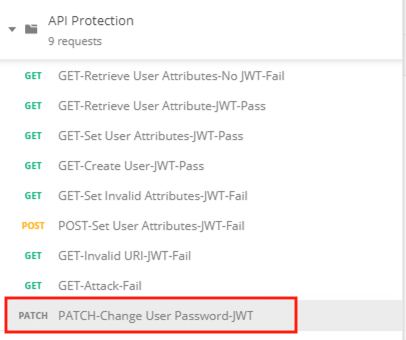
- Select the Authorization tab
- Select the previously created User1 token from the Available Tokens dropdown

- The Token field is now populated

- Click Send
- You receive a 403 Forbidden response status code because the the new API has not been published at the Gateway

Task 2 - Add the new API path
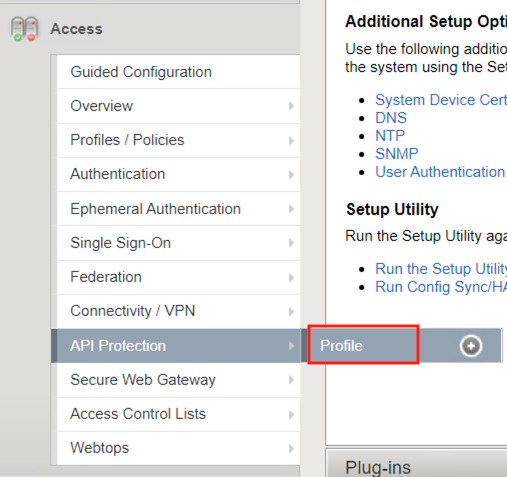
- From the browser, navigate to API Protection >> Profile. Click Profile to modify the previously created API protection Profile (not the + Plus symbol)
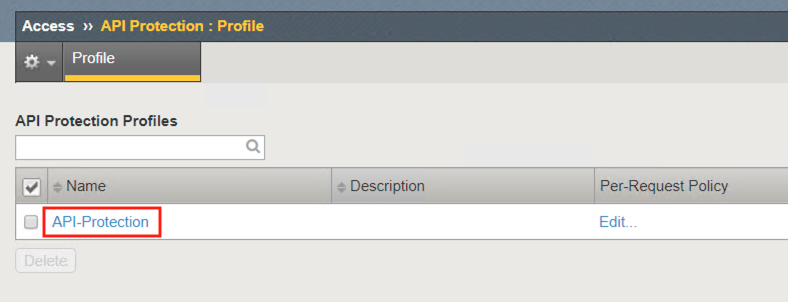
- Click API-Protection
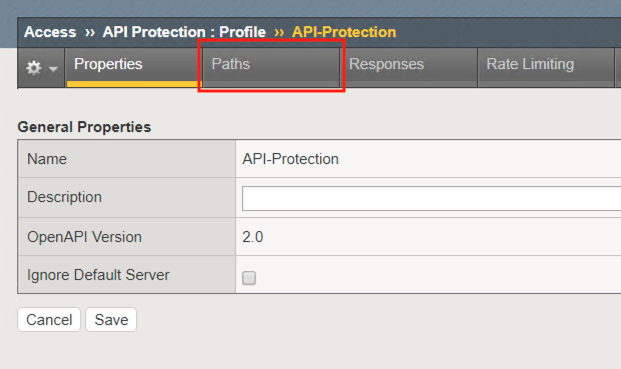
- Click Paths
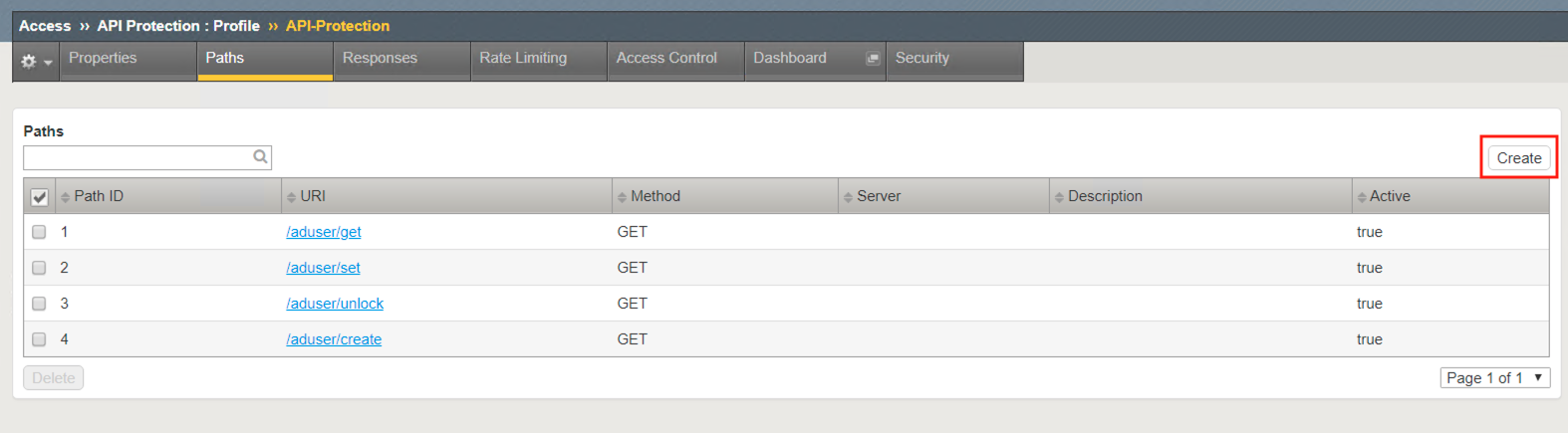
- Click Create
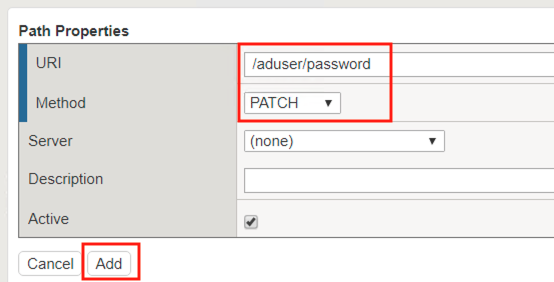
- The URI /aduser/password
- Select the Method PATCH
- Click Add
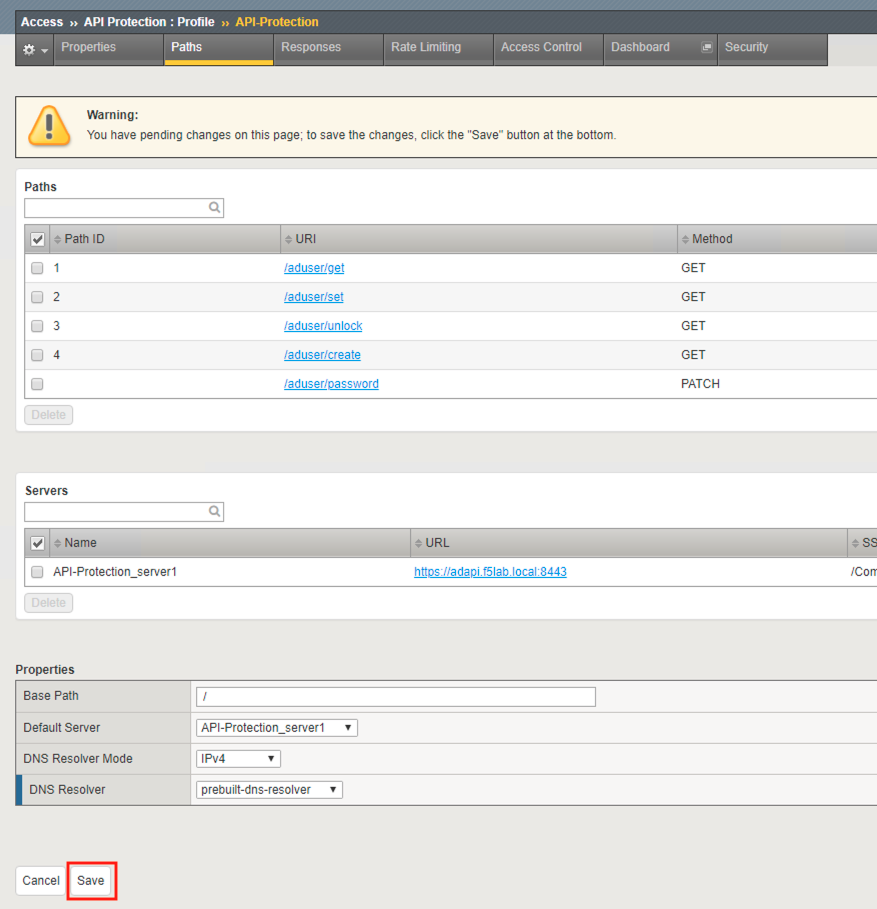
- Click Save
Task 3 - Test Access to the new path
- From Postman, select the request PATCH-Change User Password-JWT
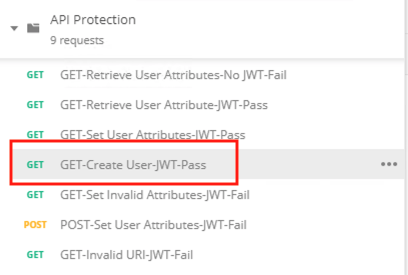
- Select the Authorization tab
- Select the previously created User1 token from the Available Tokens dropdown
- The Token field is now populated
- Click Send
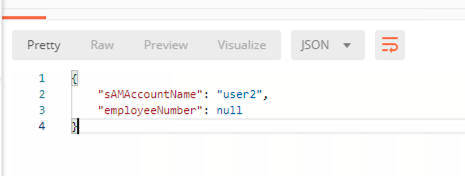
- You receive a 200 OK that the endpoint is now published.